
Download Wingate – proxy server, internet sharing, network security, bandwidth management, remote access
Overview
Wingate, developed by Secure Computing, is a specialized proxy server application designed for Windows environments. Its primary purpose is to enable efficient sharing of a single internet connection across multiple devices within a network. This makes it particularly valuable in small to medium-sized office setups, home networks, or any environment where centralized internet access control is essential. By acting as an intermediary between connected devices and the internet, Wingate enhances network performance and security through centralized management. The application addresses key challenges such as uncontrolled bandwidth usage, lack of access restrictions, and vulnerability to online threats. It helps organizations and users prevent unauthorized access, limit data consumption, and protect devices from malicious websites and viruses. Real-world use cases include remote work scenarios where secure access to internal resources is needed, or households aiming to regulate internet use among family members. Wingate’s focus on security, performance monitoring, and remote connectivity positions it as a critical tool in the productivity and network management ecosystem. While it is not a consumer-focused mobile app, its functionality supports digital infrastructure needs for professionals managing network environments. The developer, Secure Computing, has positioned Wingate as a robust solution for organizations requiring advanced network control and protection.Key Features & Functionality
Wingate delivers a suite of powerful features tailored for network administrators and IT professionals managing shared internet access. The core functionality centers on centralized proxy management, enabling seamless internet sharing across multiple devices while maintaining strict control over network behavior.- Enhanced Network Security: Wingate employs multiple security protocols to defend against external threats. It actively scans network traffic for viruses and blocks access to potentially harmful websites, ensuring all connected devices remain protected from online dangers.
- Bandwidth Management: The software allows administrators to monitor and control bandwidth usage across individual devices or user groups. This helps prevent network congestion and ensures fair internet distribution, especially in high-traffic environments.
- Remote Connectivity: Users can securely access their home or office network from remote locations as if physically present. This feature supports secure tunneling, enabling access to internal servers, shared drives, and other network resources without exposing them to public internet risks.
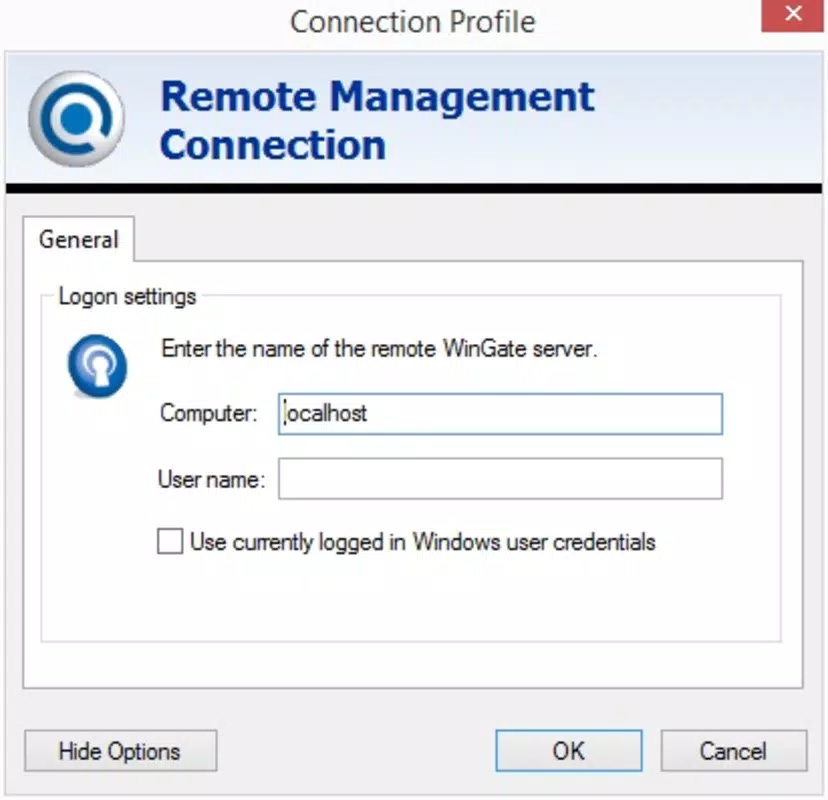
- Easy Setup Process: Configuration is streamlined through a simple setup involving a network name and password. Once activated, authorized users can connect with minimal technical effort, reducing deployment time and administrative overhead.
- Automatic Device Security: All devices connecting through Wingate are automatically secured. This eliminates the need for individual device configurations, simplifying the user experience while maintaining consistent security policies across the network.
Interface, UX & Performance
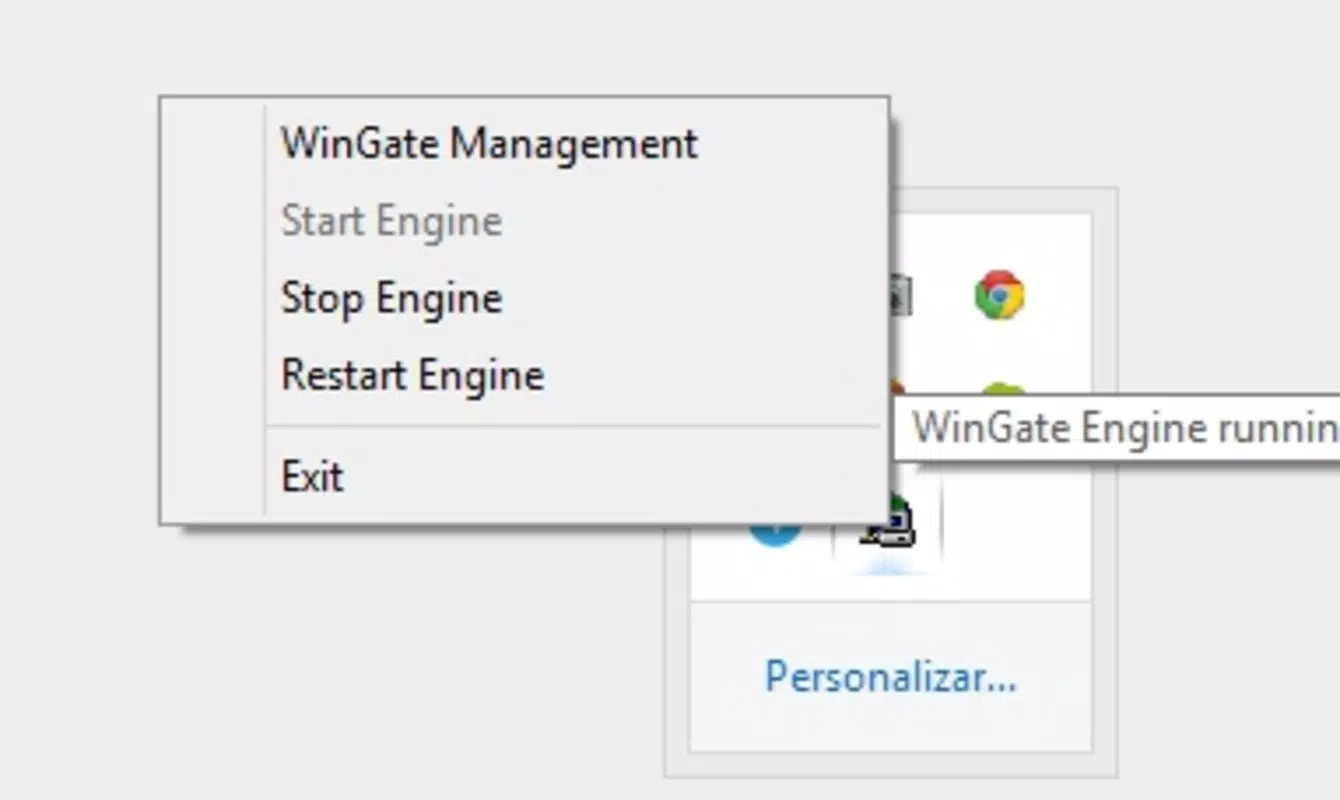
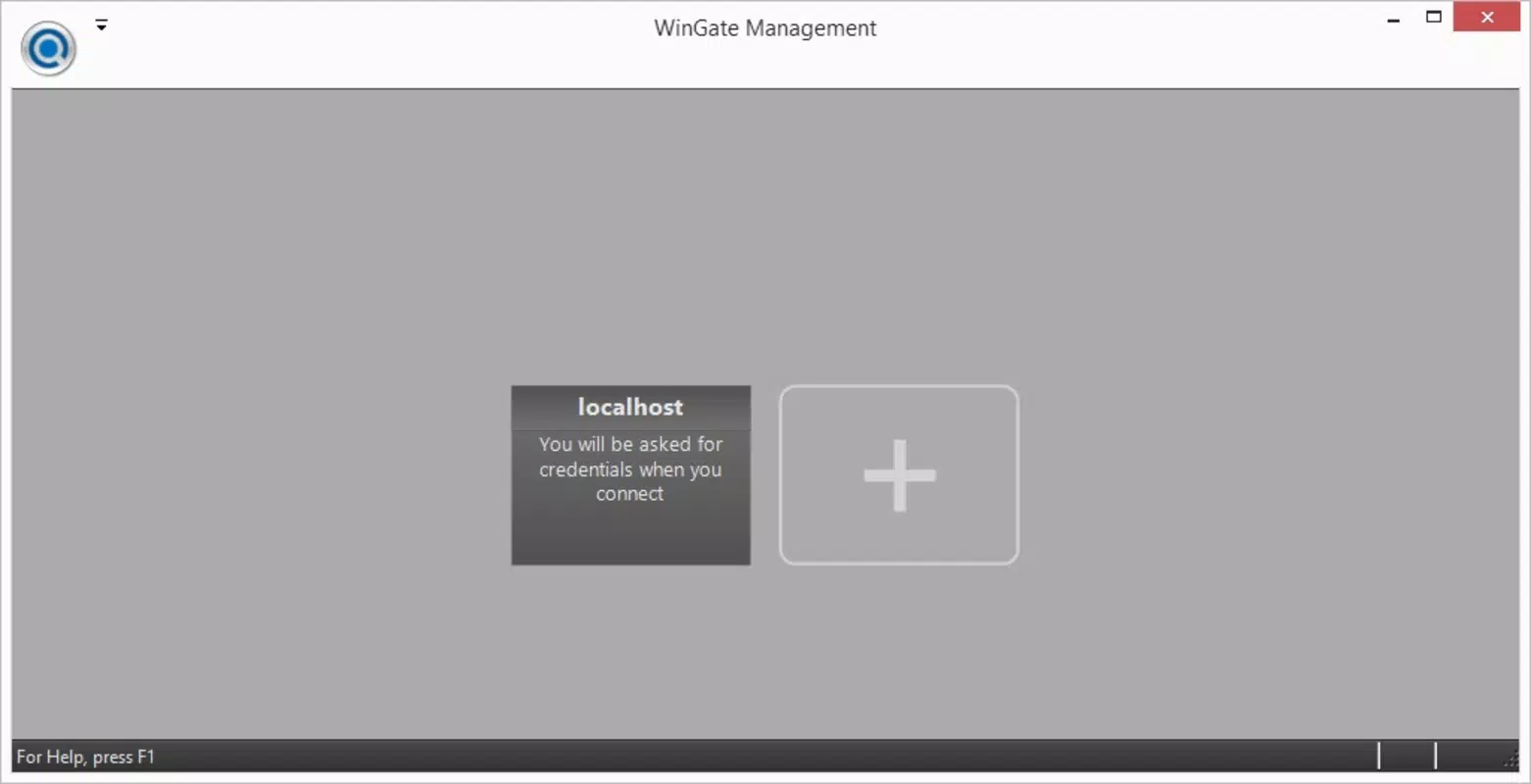
Wingate presents a functional and focused interface designed for technical users rather than casual consumers. The layout emphasizes configuration and monitoring tools, with clearly labeled sections for security settings, bandwidth controls, and user access management. Navigation is structured around a central dashboard that provides an overview of active connections, bandwidth usage, and security alerts. The visual style is minimalistic and utilitarian, prioritizing information clarity over aesthetic design. Menus are organized logically, allowing administrators to access key features through a predictable flow. While the interface may appear technical to non-experts, it is intuitive for users with basic networking knowledge. Performance is optimized for Windows systems, though the developer did not list formal performance metrics. The application runs efficiently on standard desktop hardware, maintaining responsiveness even under moderate network loads. Although the developer did not specify minimum OS requirements or compatibility details, it is designed to operate reliably on modern Windows platforms. Stability is a key strength, with consistent operation reported in professional environments. The software maintains connection integrity during prolonged usage and handles multiple simultaneous device connections without significant lag. Users can expect reliable performance across different device categories, including desktops, laptops, and networked peripherals.Platform Compatibility & Technical Requirements
Wingate is designed exclusively for the Windows operating system. It is compatible with Windows platforms, though specific version details were not provided by the developer. The application has a file size of 110.7 MB, indicating a compact footprint suitable for installation on standard desktop or server-grade machines. The software requires a Windows-based system to function, with no information available regarding specific hardware or OS version requirements. The developer did not specify minimum RAM, processor speed, or storage capacity. Compatibility with older or newer Windows versions remains unclear. Given its specialized nature, Wingate is not intended for mobile platforms such as Android or iOS. It operates as a desktop server application, designed to be installed on a dedicated machine or virtual server within a network. Users should ensure their Windows environment supports the necessary network services and administrative privileges required for proxy operation.Pros and Cons
Pros
- Centralized control over internet access and device security.
- Effective bandwidth management to optimize network performance.
- Robust security features including virus scanning and website filtering.
- Secure remote access for users connecting from outside the network.
- Automatic protection for all connected devices, reducing configuration overhead.
Cons
- Not available for mobile platforms such as Android or iOS.
- Price point of $399.00 may be prohibitive for individual users or small businesses.
- Interface may be complex for non-technical users.
- Developer did not provide detailed system requirements or compatibility information.
- Requires a dedicated Windows machine for optimal operation.


